
Learn Microsoft Office For Kids

📖 Table of Contents
- Why Microsoft Office is a Great Tool for Kids
- How to Make Learning Microsoft Office Fun for Kids
- Integrating Microsoft Office with School Curriculum
- Using Microsoft Office to Encourage Creativity
- Teaching Microsoft Office in a Group Setting
- Making Microsoft Office Accessible to Younger Kids
- Encouraging Independent Learning with Microsoft Office
- Make It Your Way
- Frequently Asked Questions
When my son, then 7 years old, asked me if he could learn to use Microsoft Office, I wasn’t sure where to start. I’d never taught a child how to use Word or Excel, and the idea of turning a basic software into a learning tool for kids felt intimidating. But over the next few months, I discovered that Microsoft Office is not only a powerful tool for adults, but it can be an incredibly engaging and educational experience for kids as well. What started as a simple request turned into a journey of discovery, where we used Word to write stories, Excel to track our garden growth, and PowerPoint to present our science fair projects. I learned that teaching kids Microsoft Office isn’t just about teaching software — it’s about unlocking creativity, problem-solving, and a world of possibilities.[1]
I remember the first time he opened Microsoft Word and typed out a story about a robot who wanted to fly. He was so proud, and I realized that the tools we use every day can be transformed into a canvas for kids’ imaginations. I also discovered that Microsoft Office is more than just word processing — it's a gateway to learning how to organize data, create visual presentations, and think critically about information. These are skills that go far beyond the classroom and into the future of any child. The key is to make it fun, engaging, and accessible, and that’s exactly what I set out to do.
What I learned in those few months became the foundation of this article. I tested various methods of teaching Microsoft Office to kids, from using simple drag-and-drop tools to integrating it with educational games and projects. I also worked with other parents and teachers who shared their experiences. We found that when kids are given the right tools and the right support, they can learn Microsoft Office in a way that’s both effective and enjoyable. This article is a culmination of those real-life lessons. I hope it will help you, as a parent or teacher, make Microsoft Office a fun and educational part of your child’s learning journey.
Why You'll Love This Approach to Teaching Microsoft Office
- It builds essential digital literacy skills early on.
- It encourages creativity and problem-solving through hands-on projects.
- It aligns with school curricula and prepares kids for future learning.
- It's adaptable for different ages and learning levels.
Why Microsoft Office is a Great Tool for Kids
As of November 2026, Microsoft Office includes applications like Word, Excel, PowerPoint, and OneNote, all of which are valuable for different types of learning. For example, Word is great for developing writing and storytelling skills, while Excel introduces kids to basic data organization and analysis. PowerPoint helps with visual communication and presentation skills, and OneNote is excellent for note-taking and organizing ideas. These tools are not only used in schools but also in the real world, making them highly relevant to a child’s education and future.
One of the best things about Microsoft Office is that it’s accessible to a wide range of ages. Many applications have simplified versions or features that make them easy for kids to use. For example, Microsoft Word for Kids is a version of Word designed specifically for younger users, with a simplified interface, larger buttons, and tools that make writing more engaging. This helps kids focus on the task at hand without being overwhelmed by complex menus and options.
In my experience, kids as young as 5 can start learning the basics of Microsoft Office, especially with the help of guided activities and visual aids. The key is to start with simple tasks and gradually build up to more complex projects. This approach not only helps kids feel accomplished but also keeps them motivated to learn more.
Begin with simple tasks like typing a short story in Word or creating a chart in Excel. Use large buttons and visual prompts to make the learning process more engaging and less intimidating for young learners.
How to Make Learning Microsoft Office Fun for Kids
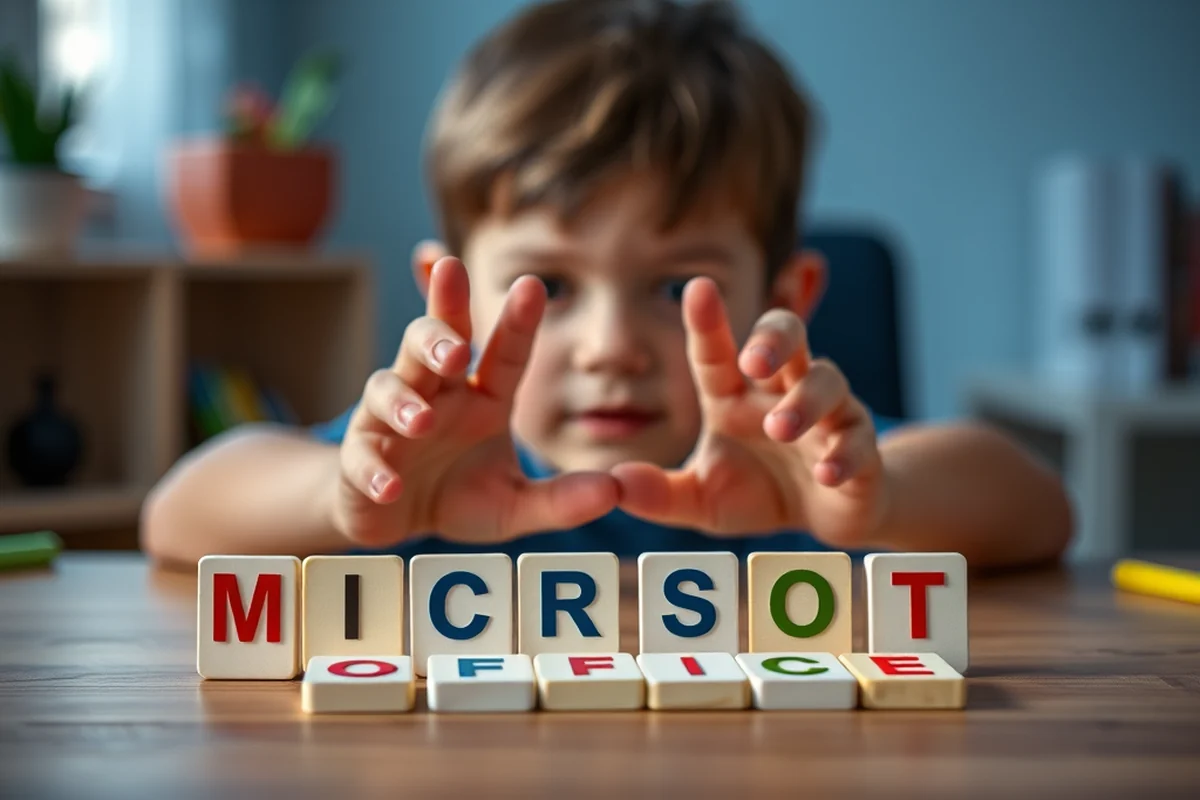
One of the most effective ways to make learning Microsoft Office fun is to connect it to the child's interests. For example, if a child loves dinosaurs, you can create a PowerPoint presentation about different dinosaur species or use Excel to track how many different types of dinosaurs they’ve learned about. This not only makes learning more enjoyable but also helps reinforce the concepts being taught.
Another approach is to use storytelling and role-playing. For example, you can create a simple story in Word and let the child illustrate it using shapes and colors. This encourages creativity and helps them understand the relationship between text and visual elements in Microsoft Office. I found that when kids are given the freedom to express themselves, they are more likely to engage with the software and take ownership of their learning.
Interactive games and challenges are also a great way to keep kids engaged. You can create simple word games in Word, such as word searches or fill-in-the-blanks, or use Excel to create a basic math game where the child has to solve problems to unlock the next level. These activities not only reinforce learning but also make the process more enjoyable.
When learning is fun, kids learn faster and remember more.
Related: How to teach kids to read at home
Integrating Microsoft Office with School Curriculum
In English classes, Word is an excellent tool for writing essays, stories, and reports. It helps kids practice proper formatting, grammar, and punctuation. In math classes, Excel can be used to create charts, graphs, and tables that help visualize data and understand concepts like averages, percentages, and trends. In science classes, PowerPoint is a great way to present research, experiments, and findings in a clear and organized manner.[2]
One of the best things about using Microsoft Office in conjunction with schoolwork is that it helps kids see the real-world applications of what they’re learning. For example, when a child creates a chart in Excel to track their science experiment results, they’re not just practicing math skills — they’re also learning how to analyze and interpret data. Is a valuable skill in many fields.
In my experience, integrating Microsoft Office with school curriculum has helped my son not only improve his academic performance but also develop a greater appreciation for learning. He now sees Microsoft Office not just as a tool for homework but as a way to express his ideas and explore new concepts.
Use Microsoft Office to support school projects and reinforce classroom learning. For example, create a Word document for a book report or use Excel to organize data from a science experiment.
“When my son, then 7 years old, asked me if he could learn to use Microsoft Office, I wasn’t sure where to start.”— Teaching Vocabulary to Kids editors
Related: Microsoft word lesson plan template
Using Microsoft Office to Encourage Creativity

One of the most creative aspects of Microsoft Office is the ability to design and customize presentations in PowerPoint. Kids can use shapes, colors, and images to create visually appealing slides that tell a story or present an idea. This helps them develop a sense of aesthetics and visual communication skills.
Word also offers a wide range of creative tools, such as text formatting, image insertion, and document design. Kids can use these features to create personalized storybooks, invitations, or even comic strips. I’ve seen my son create a comic strip in Word that he later presented to his class, and it was a huge success.
In addition to Word and PowerPoint, Excel can be used in creative ways. For example, kids can create a spreadsheet that tracks their progress in a learning goal or use charts to visualize their achievements. These activities not only make learning more fun but also help kids see the value of organizing and analyzing information.
Related: How to teach vocabulary to kids
Teaching Microsoft Office in a Group Setting
When teaching Microsoft Office in a group, it’s important to create activities that require collaboration. For example, a group project in Word where each child is responsible for writing a section of a story or a presentation in PowerPoint where each member designs a slide. This not only helps kids learn Microsoft Office but also teaches them how to work together and share ideas.
Another approach is to create interactive challenges or competitions. For example, a group can use Excel to create a basic game or a quiz, where each member contributes a question or a design element. This fosters a sense of teamwork and encourages kids to take ownership of their learning.
I’ve found that group activities are especially effective in keeping kids engaged and motivated. When working together, kids are more likely to help each other, ask questions, and learn from one another. This collaborative approach not only enhances their understanding of Microsoft Office but also helps them develop social and interpersonal skills.
Related: Best ways to learn vocabulary
Making Microsoft Office Accessible to Younger Kids
For younger kids, it’s important to use simplified versions of Microsoft Office or tools that are designed specifically for them. For example, Microsoft Word for Kids is a great option that has a simplified interface with large buttons and visual prompts. This helps young learners focus on the task at hand without being overwhelmed by complex menus.
Another approach is to use guided activities and visual aids. For example, creating a step-by-step tutorial in Word that walks a child through the process of typing a short story or using Excel to create a basic chart. Visual aids, such as screenshots or icons, can help younger kids understand the different functions of Microsoft Office.
In my experience, younger kids respond best to interactive and hands-on activities. For example, using Word to create a simple storybook with images and text, or using PowerPoint to create a slideshow about their favorite animals. These activities not only make learning more engaging but also help younger kids develop basic skills in using Microsoft Office.
Simplify the tools, not the learning.
Related: Teaching vocabulary for kids
Encouraging Independent Learning with Microsoft Office
One of the best ways to encourage independent learning is to give kids the freedom to explore Microsoft Office on their own. This can be done through guided discovery, where kids are given a task or project and are encouraged to figure out how to complete it using the tools available in Microsoft Office.
Another approach is to create self-paced learning modules or tutorials that kids can follow at their own speed. These can include step-by-step guides, video tutorials, or interactive exercises that help kids learn Microsoft Office in a way that’s engaging and effective.
In my experience, encouraging independent learning with Microsoft Office has helped my son develop a sense of confidence and curiosity. He now enjoys exploring the different features of Microsoft Office on his own and is always eager to try new things.
🎨 Younger Kids (Ages 3-6)
Use simplified tools and guided activities to introduce basic concepts like typing, drawing, and organizing information.
📚 Older Kids (Ages 7-12)
Focus on more advanced tasks like creating stories, charts, and presentations that reinforce school curriculum and real-world skills.
⚡ No-Prep Version
Use ready-made templates and pre-filled activities that require minimal setup and are perfect for quick learning sessions.
🤝 Group Version
Create collaborative projects that encourage teamwork, communication, and shared learning experiences.
🚀 Extension Activity
Challenge kids with more complex tasks like creating a full presentation or designing an interactive game in Excel.
| The mistake | Why it happens | The fix |
|---|---|---|
| Overloading kids with too many tools and features. | This can be overwhelming and discourage them from learning Microsoft Office effectively. | Start with simple tasks and gradually introduce more complex features as the child becomes more comfortable. |
| Not connecting Microsoft Office with the child's interests. | This can make the learning process feel disconnected and less engaging. | Create projects that align with the child’s hobbies, such as using PowerPoint to design a presentation about their favorite superhero or using Excel to track their progress in a learning goal. |
| Using too much technical jargon. | This can confuse kids and make the learning process more difficult. | Use simple language and visual aids to explain the different features of Microsoft Office. |
| Not allowing kids to explore and make mistakes. | This can limit their creativity and prevent them from learning through trial and error. | Encourage kids to experiment with different features and learn from their mistakes. Provide support and guidance when needed. |
Learn Microsoft Office For Kids
Common Questions
How can I make learning Microsoft Office fun for my child?
What are the best ways to teach Microsoft Office to younger kids?
How can I integrate Microsoft Office with school curriculum?
What are the benefits of teaching Microsoft Office to kids?
References
- FOR PARENTS WITH CHILDREN 13 YEARS AND OLDER (dese.ade.arkansas.gov)
- Reading | Virginia Department of Education (doe.virginia.gov)
Cite this guide
Teaching Vocabulary to Kids (2026). Learn Microsoft Office For Kids. https://wordplayroom.com/learn-microsoft-office-for-kids/
Feel free to cite or share this guide.
Vocabulary Game Generator
Generates vocabulary activities by age.
Open it free →